AI Applications
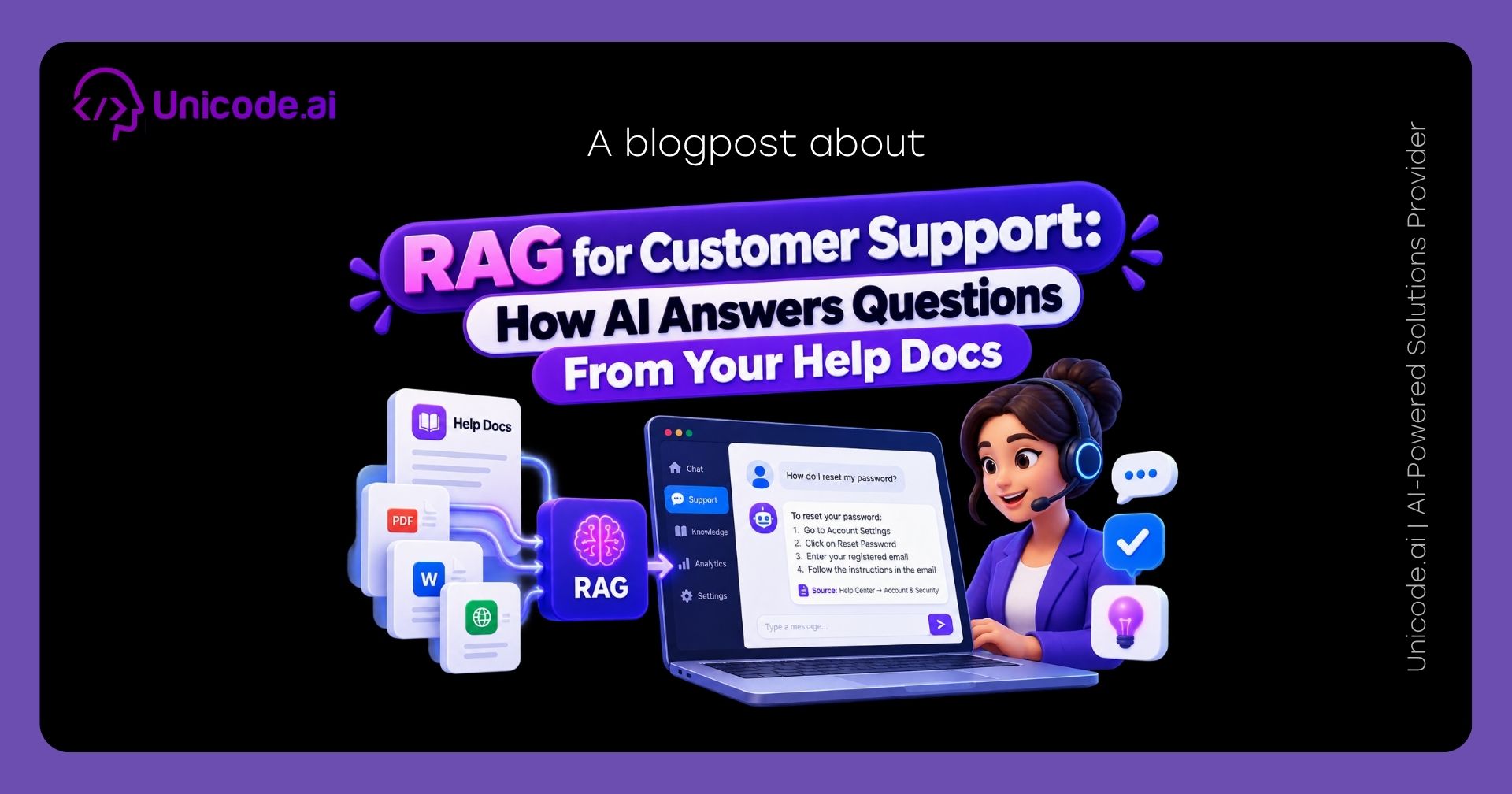
RAG for Customer Support: How AI Answers Questions From Your Help Docs
Introduction
Your help center probably already has the answer to most questions customers ask. The problem is that customers don't read help centers. They type a question into a chat box and expect a direct answer, in their own words, right away. Scripted chatbots can't handle phrasing they weren't built for, and a generic AI chatbot will confidently make up a policy you never wrote. Retrieval-augmented generation (RAG) solves both problems: it lets an AI answer customer questions using only your approved help docs and cite the article it used. Here's how it works, what real deployments have shown, and what your content needs before you switch it on.
TL;DR
RAG connects an AI model to your help docs, so it retrieves the relevant article first and then writes an answer grounded in that content. This makes answers accurate to your policies instead of the model's general knowledge. The upside is real: research on generative AI assistance for support agents found meaningful productivity gains, and large deployments like Klarna's show the scale possible. The lesson from Klarna and Air Canada is also clear, though. Accuracy, human escalation, and up-to-date content matter as much as the AI itself.
Key Facts
- In its first month, Klarna's AI assistant handled 2.3 million conversations, two-thirds of the company's customer service chats, doing the equivalent work of 700 full-time agents, with customer satisfaction on par with human agents (Klarna, 2024).
- Klarna reported a 25% drop in repeat inquiries thanks to more accurate resolution, and customers resolved their issues in under 2 minutes compared to 11 minutes previously (Klarna, 2024).
- A study of 5,179 customer support agents found that access to a generative AI assistant increased productivity, measured as issues resolved per hour, by 14% on average, with a 34% improvement for novice and low-skilled workers (Brynjolfsson, Li & Raymond, NBER, 2023).
- Gartner predicts that by 2029, agentic AI will autonomously resolve 80% of common customer service issues without human intervention, leading to a 30% reduction in operational costs (Gartner, 2025).
- In a 2024 Canadian tribunal case, Air Canada was ordered to pay a customer after the tribunal found it did not take reasonable care to ensure its chatbot was accurate (BC Civil Resolution Tribunal, 2024).
Why Help Center Search and Scripted Chatbots Fall Short
Most support teams have tried two approaches before RAG, and both hit the same wall.
Help center search relies on keyword matching. A customer asking "why was I charged twice?" won't find the article titled "Understanding Pending Authorizations," even though it answers the question exactly. The customer gives up and opens a ticket.
Scripted or rule-based chatbots follow decision trees built around predicted questions. They work for the handful of intents someone mapped out in advance, then fail on everything else, usually by looping the customer back to a menu or saying "I didn't understand that."
The obvious next step, plugging in a general-purpose AI model, creates a different problem. A generic model writes fluent answers, but it answers from its training data, not your policies. It doesn't know your refund window, your shipping regions, or last month's pricing change, and it will fill the gaps with plausible guesses.
How RAG Answers Questions From Your Help Docs
RAG adds a retrieval step before the AI writes anything. Instead of answering from memory, the system looks up your content first and answers from what it finds. In practice, a RAG-based support assistant works in five stages:
- Ingest your content. Help center articles, FAQs, product documentation, policy pages, and resolved ticket macros are collected into one source of truth.
- Chunk and embed. Each document is split into focused sections and converted into embeddings, numerical representations of meaning, so the system can match questions by intent rather than exact words.
- Retrieve. When a customer asks a question, the system finds the few sections most relevant to what they mean, even if they phrased it casually.
- Generate a grounded answer. The AI writes a response using only the retrieved content, and links to the source article so the customer (or your team) can verify it.
- Escalate when unsure. If nothing relevant is retrieved, or the topic is sensitive, the assistant hands off to a human agent instead of guessing.
That last step is what separates a trustworthy support assistant from a liability. For a deeper, non-technical walkthrough of the retrieval mechanics, see our guide RAG Explained for Business Leaders.
Three Places RAG Fits in Your Support Workflow
1. Customer-Facing Self-Service
This is the most visible use: a chat widget or help center assistant that answers common questions directly, around the clock, in multiple languages. It works best for high-volume, well-documented topics such as order status policies, account setup, billing questions, and troubleshooting steps.
2. Agent Assist
Here, RAG works behind the scenes. When a ticket arrives, the system surfaces the relevant internal articles and drafts a suggested reply that the agent reviews and sends. This is where the strongest research evidence sits. In the Brynjolfsson study, the researchers found suggestive evidence that the AI spread the best practices of top performers and helped newer workers move down the experience curve faster, while also improving customer sentiment and employee retention. For teams with high turnover or long onboarding times, agent assist is often the lowest-risk place to start.
3. Ticket Triage and Drafting
RAG can read incoming tickets, match them to relevant documentation, tag them by topic, and prepare a first draft before an agent ever opens them. This shortens handle times without putting AI directly in front of customers.
Real-World Lessons From Large Deployments
Klarna: Scale Is Possible, But Humans Still Matter
Klarna's assistant is one of the most cited AI support deployments, and its first-month results show how much routine volume AI can absorb. The second chapter of the story is just as instructive. By 2025, Klarna said it was investing again in the human side of service, while the chatbot still handled two-thirds of all customer inquiries. As of 2026, Klarna runs a hybrid model where the AI handles roughly two-thirds of inquiries and every customer keeps a guaranteed option to reach a human agent. The takeaway: AI handles volume well, but complex, emotional, or high-stakes cases still need people, and that boundary should be designed from day one.
Air Canada: You Own Every Answer Your AI Gives
In the Moffatt case, a grieving customer asked Air Canada's chatbot about bereavement fares, and it told him to book a regular ticket and request a partial refund within 90 days. The airline's actual policy didn't allow retroactive claims. Air Canada argued it could not be held liable for information provided by its chatbot, but the tribunal rejected that argument and held the company responsible for everything on its website, whether it came from a static page or a chatbot.
This is exactly the failure RAG is designed to prevent. A properly built RAG assistant answers only from your approved policy content, cites the source, and escalates when the documentation doesn't cover the question.
Scripted Chatbot vs Generic AI Chatbot vs RAG Assistant
What Your Help Docs Need Before RAG Works
A RAG assistant can only be as accurate as the content it retrieves from. Before launch, most teams need to fix the following:
- Remove outdated and contradictory articles. If two articles give different refund windows, the AI may retrieve either one. Pick one source of truth and archive the rest.
- Write one topic per article or section. Long articles covering five topics produce muddy retrieval. Focused sections produce precise answers.
- Document the policies agents know but never wrote down. Much support knowledge lives in agents' heads or old Slack threads. If it isn't written, the AI can't use it.
- Add clear dates and version notes to policy pages. This makes it easy to spot stale content and keeps the index current.
- Decide what the AI should never answer. Legal disputes, fraud claims, account security, and hardship cases should route straight to a human.
If your internal knowledge is scattered across tools, our guide Knowledge Base Search with RAG: Smarter Enterprise Information Access covers how to unify it.
Metrics to Track After Launch
Common Pitfalls & Fixes
Launching on messy documentation. Outdated or conflicting articles produce confidently wrong answers. Audit and clean your help center before indexing it.
Measuring deflection instead of resolution. A customer who closes the chat in frustration counts as "deflected." Track repeat contacts and sampled accuracy to know whether problems were actually solved.
No clear path to a human. Klarna's course correction shows customers need a guaranteed human option for complex cases. Build escalation triggers from day one, not after complaints.
Letting the AI answer outside its sources. Configure the assistant to say "I don't have that information, let me connect you to our team" when retrieval finds nothing relevant. Guessing is how the Air Canada problem happens.
Treating the index as a one-time setup. Every policy change, product launch, or pricing update must flow into the index. Assign an owner for content freshness.
Ignoring customer data access. If the assistant can look up account-specific information, enforce authentication and permission checks at the retrieval layer so customers only ever see their own data.
Methodology
Statistics in this guide were verified against primary and reputable secondary sources via live web search in September 2026, including Klarna's own press release, Gartner's newsroom, the NBER working paper by Brynjolfsson, Li, and Raymond, and news coverage of the BC Civil Resolution Tribunal decision. Limitations: Klarna's figures are company-reported, the NBER study covers one Fortune 500 software company's support team, and Gartner's figure is a forecast rather than measured results. Your results will depend on your content quality, ticket mix, and escalation design.
Conclusion
RAG turns your existing help docs into an AI assistant that answers in your customers' words while staying true to your actual policies. The technology is proven at scale, but the deployments that succeed treat it as a system, not a plug-in: clean documentation, grounded answers with citations, clear escalation to humans, and metrics focused on real resolution. Start with agent assist or a narrow set of high-volume topics, measure carefully, and expand from there.
At Unicode AI, we build RAG-powered support assistants grounded in your own documentation, with escalation rules, access controls, and analytics built in from day one. If you're weighing whether a custom assistant is right for you, our guide Why Your Business Needs a Custom AI Chatbot or Virtual Assistant is a good next read.
FAQ
What is RAG in customer support?
RAG (retrieval-augmented generation) is an approach where an AI retrieves relevant content from your help docs and knowledge base first, then writes an answer based only on that content, rather than relying on its general training data.
How is a RAG chatbot different from a regular AI chatbot?
A regular AI chatbot answers from general knowledge and can invent policies it doesn't know. A RAG chatbot answers from your approved documentation and can cite the source article, which makes it far more accurate for company-specific questions.
Can RAG completely replace human support agents?
No. RAG handles high-volume, well-documented questions well, but complex, emotional, or high-risk cases still need human judgment. Most successful deployments use a hybrid model with a guaranteed path to a human.
What content do I need to build a RAG support assistant?
Help center articles, FAQs, product documentation, policy pages, and approved reply templates. The content should be current, non-contradictory, and organized into focused topics.
How do I stop a support AI from giving wrong answers?
Ground it in current, reviewed documentation, require it to cite sources, configure it to escalate when it can't find a relevant answer, and review a sample of conversations for accuracy every week.
Where should a business start with RAG for customer support?
Agent assist is usually the lowest-risk starting point, since agents review AI suggestions before customers see them. Customer-facing self-service can follow once accuracy is proven on a narrow set of topics.