AI Applications
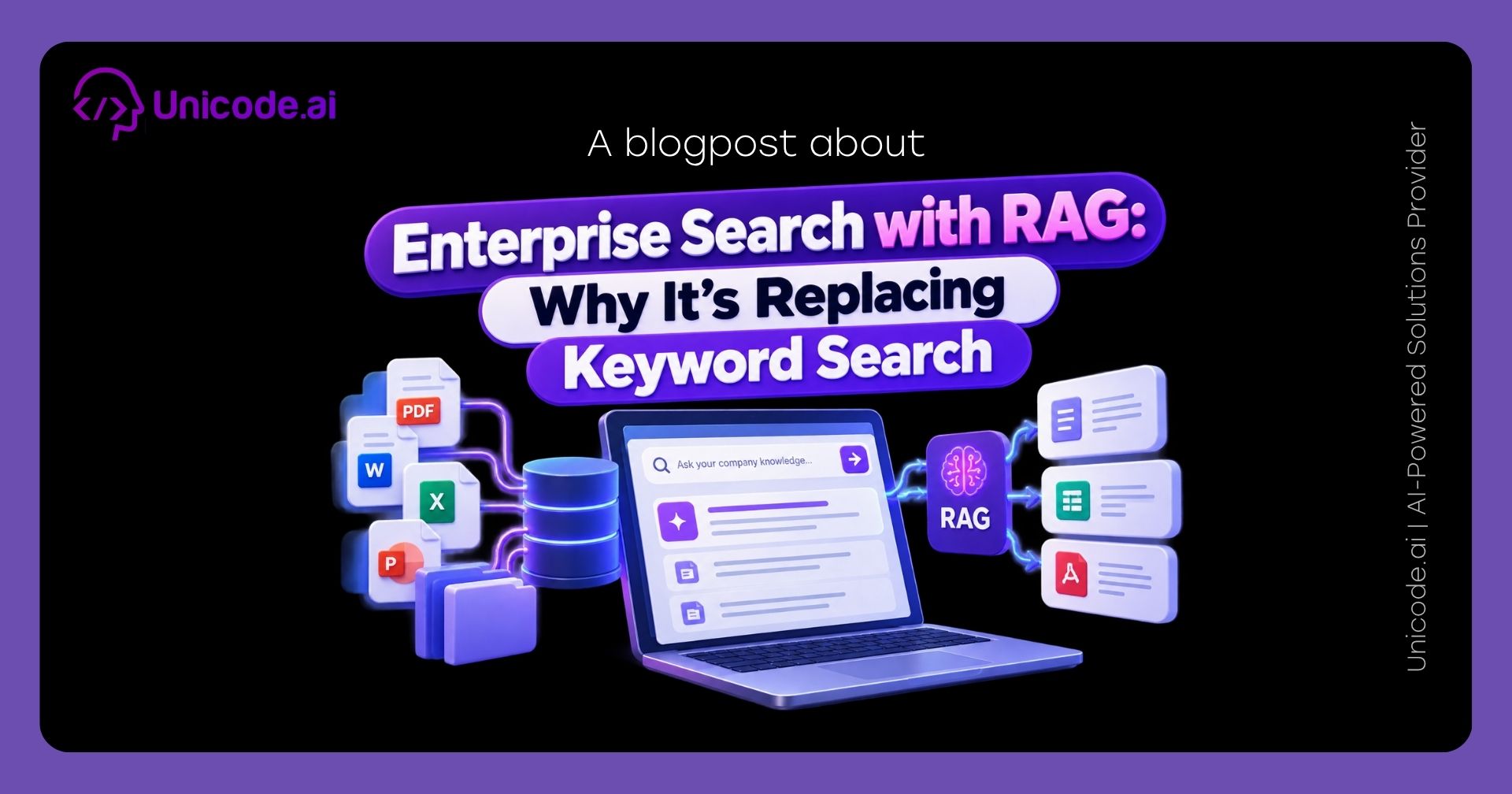
Enterprise Search with RAG: Why It's Replacing Keyword Search
Introduction
Type a question into your company's internal search bar the way you'd ask a coworker, and there's a good chance it returns nothing useful — not because the answer doesn't exist, but because keyword search only matches words, not meaning. RAG-based enterprise search fixes exactly this gap, and it's why it's steadily replacing keyword search as the default for internal knowledge access. Here's why the old model breaks down and what real deployments of the new one are actually delivering.
TL;DR
Keyword search fails when a question's wording doesn't match a document's exact words, even when the document has the answer. RAG-based enterprise search matches by meaning instead, retrieving the right content regardless of phrasing. Real deployments report measurable productivity gains — Glean reports 110 hours saved per user annually, and AWS Kendra cites a 25% productivity increase in an economic impact study.
Key Facts
- Glean's enterprise search platform reports 110 hours saved per user annually, with 93% enterprise adoption within two years across its customer base (Glean, 2026).
- At Zillow specifically, Glean reports 1.5+ hours saved weekly per user and 80% platform adoption (Glean, 2026).
- Amazon Kendra cites an independent economic impact study showing a 25% increase in employee productivity and an 82% lower five-year total cost of ownership compared to traditional enterprise search tools (AWS, 2026).
- A widely cited McKinsey Global Institute estimate found interaction workers spend close to 20% of the workweek searching for internal information or tracking down colleagues who can help — a figure from 2012 that reflects a problem RAG-based search is specifically built to reduce (McKinsey Global Institute, 2012).
Why Keyword Search Breaks Down in the Enterprise
Keyword search matches the literal words in a query against the literal words in a document. That works fine when you know the exact term a document uses, and fails the moment you don't — which, in practice, is often. An employee asking "how do we handle returns from wholesale clients" gets nothing if the actual policy document is titled "Wholesale Partner Refund Procedures" and never uses the word "returns." The information exists; the search just can't bridge the gap between how the question was asked and how the answer was written.
How RAG-Based Search Fixes This
RAG-based search converts both the query and the indexed content into embeddings — numerical representations of meaning rather than exact words — and matches based on semantic similarity instead of literal overlap. This is why a question phrased casually can still surface a formally-titled policy document: the system is matching what you mean, not what you typed. For a full technical breakdown of how this retrieval-and-generation process works, see our companion guide, RAG Explained for Business Leaders.
Real Results From RAG-Based Search Deployments
Glean: Measured Time Savings at Scale
Glean's reported 110 hours saved per user annually, combined with 93% enterprise adoption within two years, suggests the tool isn't just theoretically useful — it's actually getting used at high rates once deployed. Its named customer result at Zillow (1.5+ hours saved weekly per user, 80% adoption) grounds that broader figure in one specific, real deployment.
AWS Kendra: Productivity and Cost Impact
Amazon Kendra's cited economic impact study reports a 25% increase in employee productivity and an 82% lower five-year total cost of ownership versus traditional enterprise search tools — figures aimed specifically at the cost-benefit case for replacing legacy keyword search infrastructure.
Keyword Search vs RAG-Based Search: Side by Side
Where Keyword Search Still Has a Place
RAG-based search isn't a universal replacement. Looking up an exact order number, product SKU, or error code is still better served by simple keyword matching — there's no ambiguity to resolve, and adding semantic matching just adds latency for no benefit. The realistic pattern most enterprises land on is both: keyword matching for exact lookups, RAG-based retrieval for natural-language questions.
Common Pitfalls & Fixes
Assuming RAG search replaces every keyword use case. Keep exact-match search for IDs, codes, and known terms where it already works well.
Underestimating the indexing pipeline effort. Unlike keyword search, RAG-based search requires an ongoing embedding and re-indexing process as content changes — budget for that as infrastructure, not a one-time setup.
Ignoring permission-aware retrieval. A RAG system that surfaces content a user shouldn't see is a security problem, not just a search quality one — confirm access controls are enforced at the retrieval layer.
Judging adoption too early. Glean's own data shows adoption climbing to 93% over two years, not immediately — give a new search tool real time to become the default habit.
Not measuring time saved as a business metric. Track actual time-to-answer before and after deployment so the ROI case is based on your own data, not just vendor benchmarks.
Methodology
Statistics in this guide were verified directly against Glean's and AWS's own published pages in September 2026. The McKinsey figure comes from MGI's 2012 "The Social Economy" report and is explicitly dated as such rather than presented as current data. Live web search was unavailable for this piece, so verification relied on direct primary-source fetches. Limitations: vendor-published statistics reflect their own customer bases and study methodologies, which may not generalize to every organization.
Conclusion
Keyword search fails exactly where natural-language questions diverge from a document's literal wording — a gap RAG-based search is specifically built to close, with real deployments showing measurable time and cost savings. It's not a wholesale replacement for every search use case, but for the natural-language questions that make up most of what employees are actually trying to find, it's a meaningfully better fit. For the deeper technical mechanics or a narrower feature-level look, see our companion guides on RAG Explained and Knowledge Base Search with RAG.
FAQ
Why does keyword search fail for internal knowledge bases? Because it matches literal words rather than meaning, so a question phrased differently than a document's exact wording often returns nothing, even when the answer exists.
What is RAG-based enterprise search? It's a search approach that converts queries and documents into semantic representations and matches by meaning, so natural-language questions can find relevant content regardless of exact phrasing.
Does RAG-based search completely replace keyword search? No — keyword search still works well for exact lookups like order numbers or codes; most enterprises use both together.
How much productivity improvement can RAG-based search actually deliver? Reported figures vary by vendor and deployment — Glean cites 110 hours saved per user annually, and AWS Kendra cites a 25% productivity increase in an independent study.
Is RAG-based search harder to set up than keyword search? Yes — it requires an embedding and indexing pipeline that needs ongoing maintenance as content changes, unlike simpler keyword indexing.